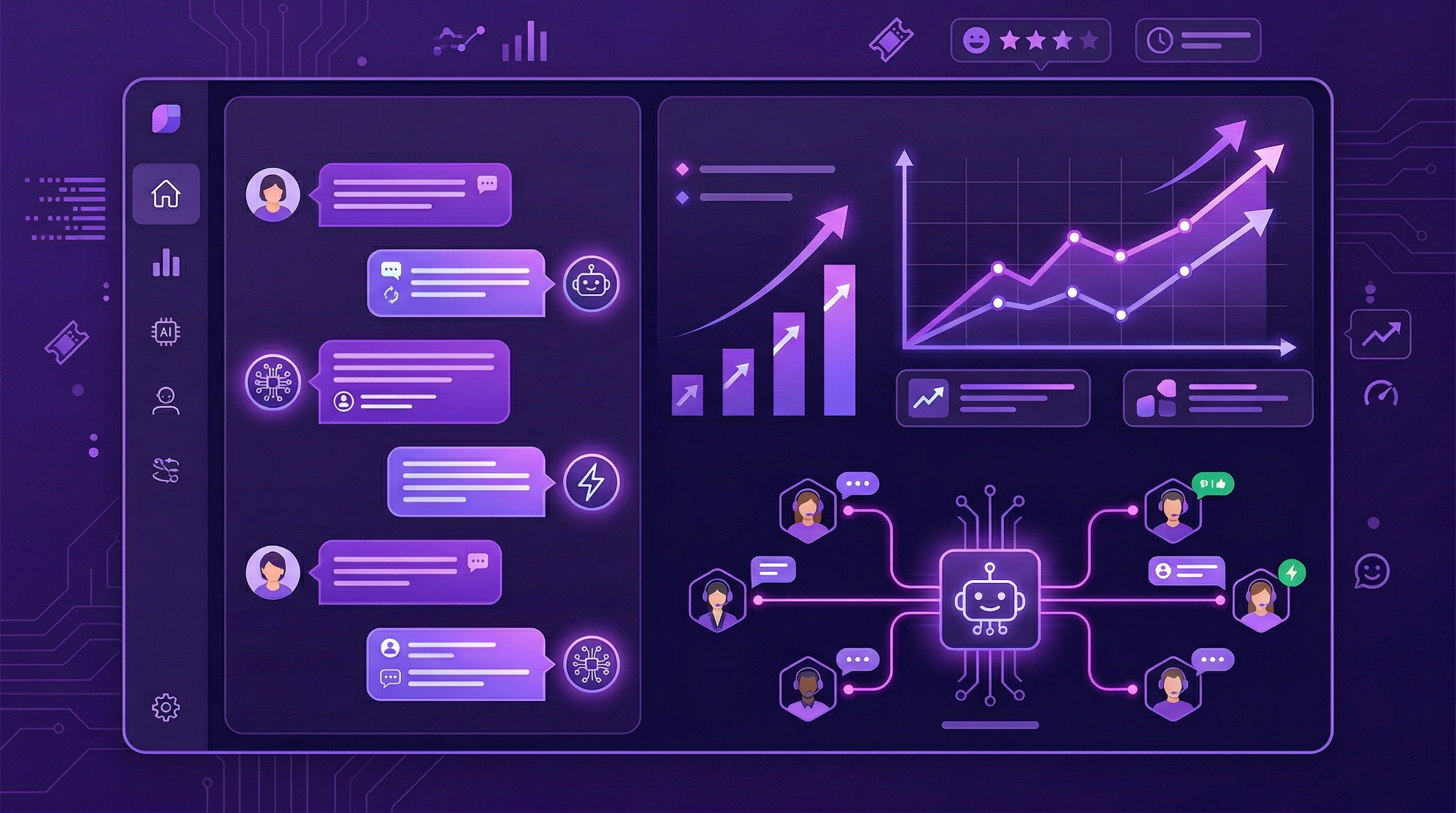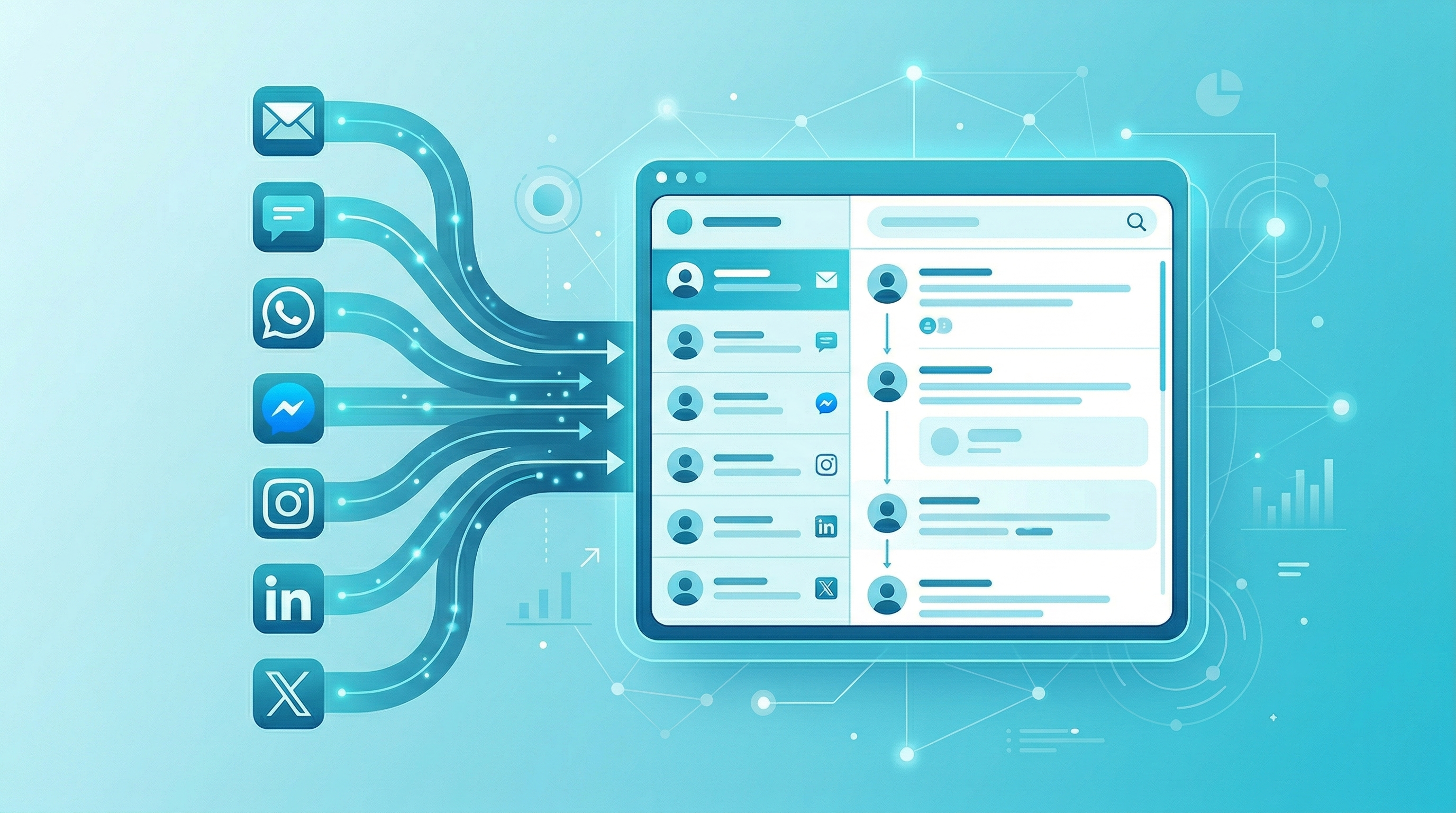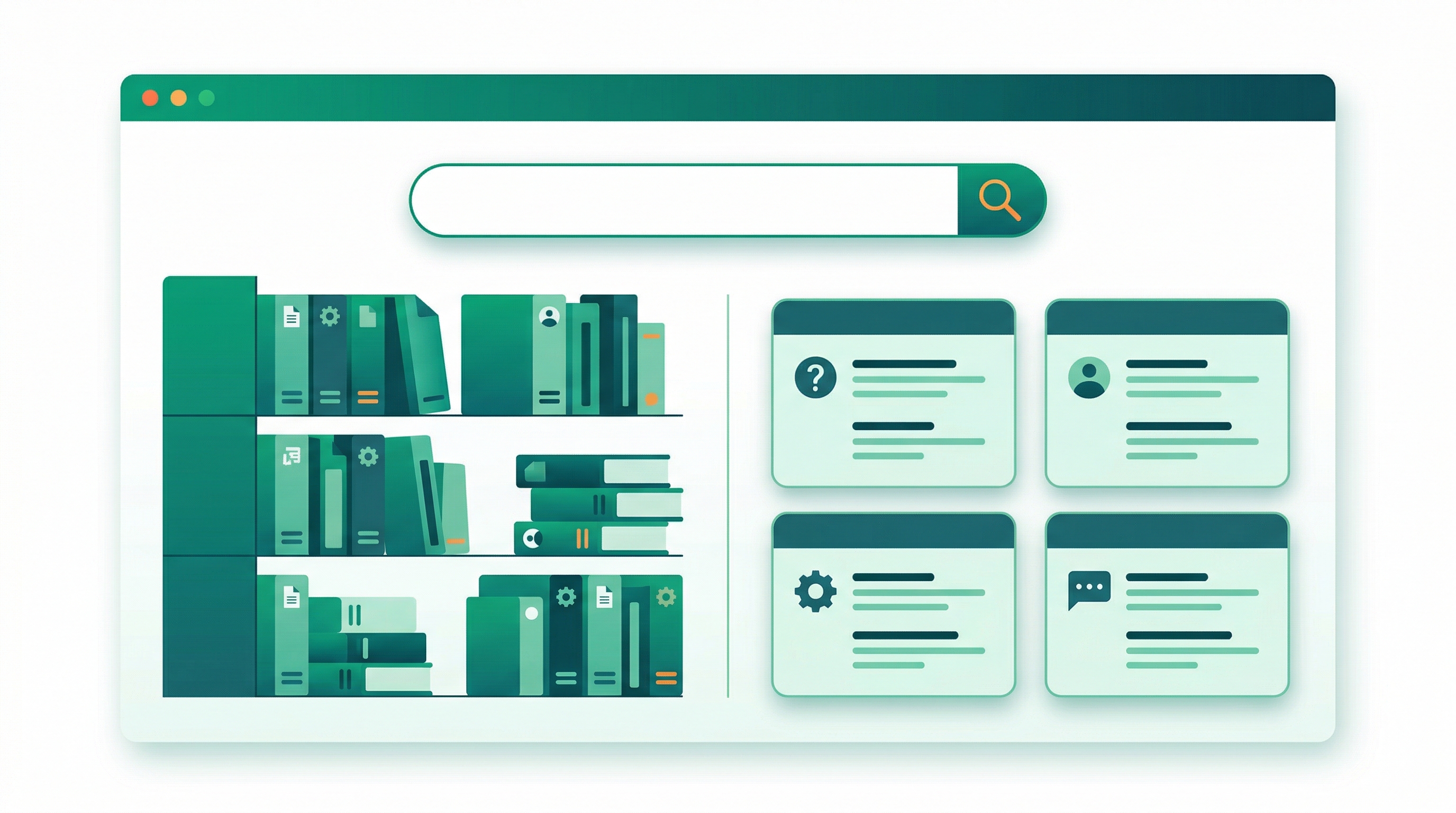
Today we are thrilled to introduce Captain, FoxDesk AI's built-in AI agent designed to transform how your support team works. Captain is not just another chatbot — it is an intelligent assistant that learns from your knowledge base, past conversations, and FAQs to provide accurate, contextual responses.
Why we built Captain
Customer support teams are under more pressure than ever. Ticket volumes are rising, customers expect instant responses across multiple channels, and hiring more agents is not always feasible. We built Captain to help teams do more with less — without sacrificing quality.
What Captain can do
AI Assistant: Captain handles common questions autonomously by drawing from your help center articles, FAQ pages, and previous conversations. When a customer asks a question that is already answered in your docs, Captain responds instantly — no human intervention needed.
Copilot: For more complex conversations, Captain works alongside your agents as a copilot. It suggests responses, pulls relevant articles, and surfaces past resolutions — all in real-time within the conversation view.
Multilingual Support: Captain automatically detects the customer's language and can translate both incoming messages and outgoing responses. Support customers in over 100 languages without hiring multilingual agents.
Smart Handoff: When Captain encounters a question it cannot confidently answer, it seamlessly escalates to a human agent with full context preserved. No information is lost in the transition.
Early results
During our beta program with over 200 businesses, we saw impressive results: teams using Captain reduced their average first response time by 60%, auto-resolved 40% of incoming tickets, and improved agent productivity by 3x.
Getting started
Captain is available today on all Starter and Business plans. Simply go to Settings then Captain in your FoxDesk AI dashboard to enable it. Connect your help center, and Captain will start learning immediately.
We are just getting started with Captain, and we have an exciting roadmap ahead. Stay tuned for more updates!
Found this helpful? Share it with your team.
Subscribe to our newsletter
Get the latest customer support tips and product updates delivered to your inbox.