As your support team grows, so does the need for visibility. Who changed that automation rule? When was a contact deleted? Why was a conversation reassigned? Audit logs answer these questions with precision — giving you a complete, searchable record of every meaningful action in your account.
What gets tracked
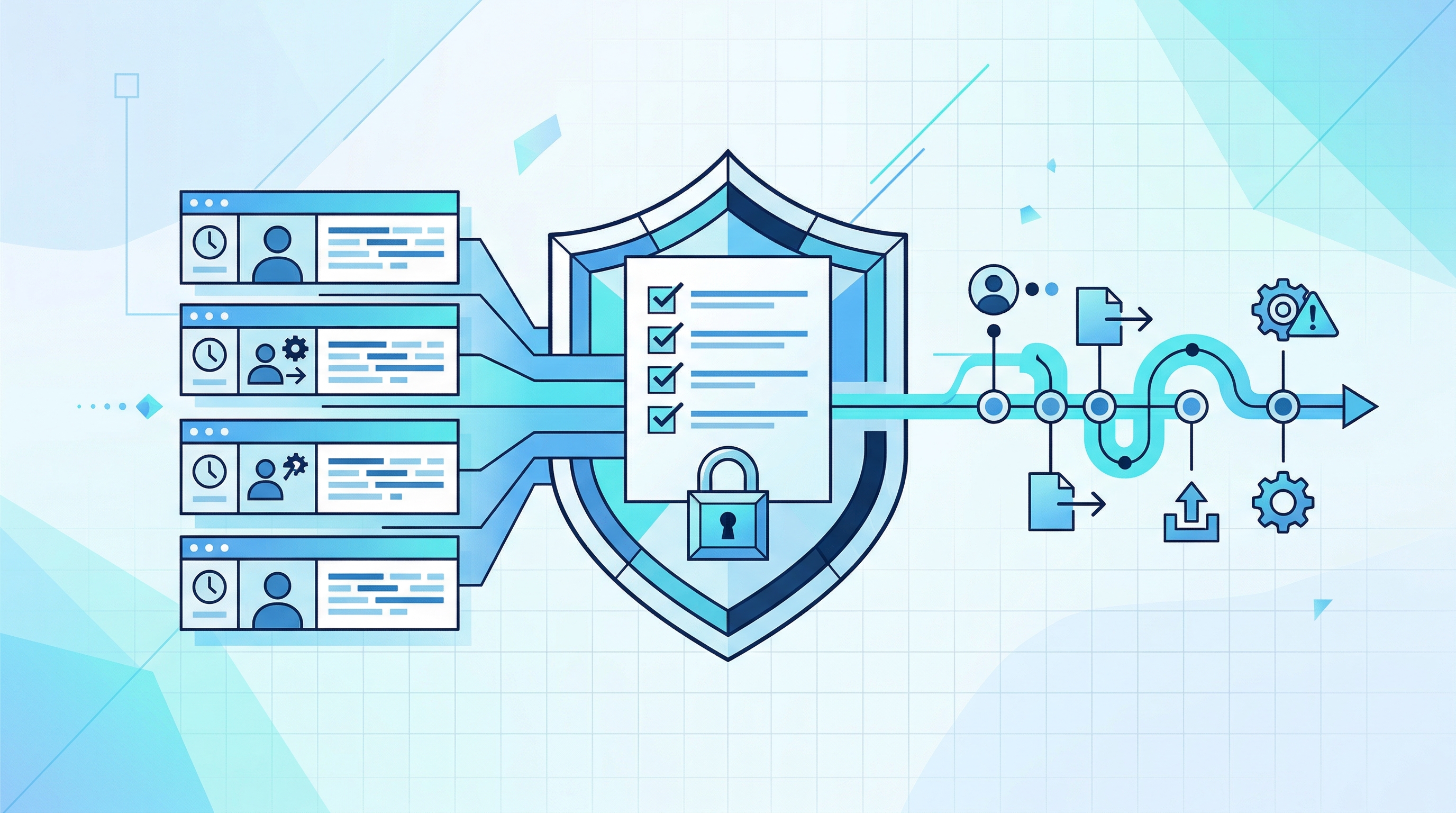
Every significant action in your FoxDesk AI account is recorded: agent logins and logouts, conversation assignments and status changes, contact creation and modifications, settings updates, team and role changes, integration configurations, and automation rule edits. Each entry captures who performed the action, what changed, and exactly when it happened.
Why this matters for growing teams
In a three-person team, everyone knows what is happening. In a 30-person operation, that visibility disappears fast. Audit logs restore it — giving managers and administrators a clear trail of every decision and change, without requiring anyone to remember or manually document their actions.
Compliance and security
Regulatory frameworks like GDPR, SOC 2, and HIPAA require activity tracking and access logging. FoxDesk AI's audit logs provide the evidence trail auditors need, without requiring your team to maintain separate records or spreadsheets. When an audit request comes in, the data is already there.
Practical use cases
Debugging unexpected behavior — trace back to the exact configuration change that caused a routing issue or broken automation. Onboarding accountability — review new agent activity during their first weeks to ensure they are following procedures. Security monitoring — detect unusual login patterns, unexpected permission changes, or unauthorized access attempts before they become incidents.
How to access
Navigate to Settings, then Audit Logs in your FoxDesk AI dashboard. Filter by date range, user, or action type. Export logs for external review or compliance documentation. Audit logs are available on Business and Enterprise plans.
Found this helpful? Share it with your team.
Subscribe to our newsletter
Get the latest customer support tips and product updates delivered to your inbox.